
Setting up a trading platform for the first time involves a handful of straightforward steps, from installation through connecting a demo account and applying basic chart preferences. A clear setup routine removes unnecessary early friction, as this FXM680 guide explains.
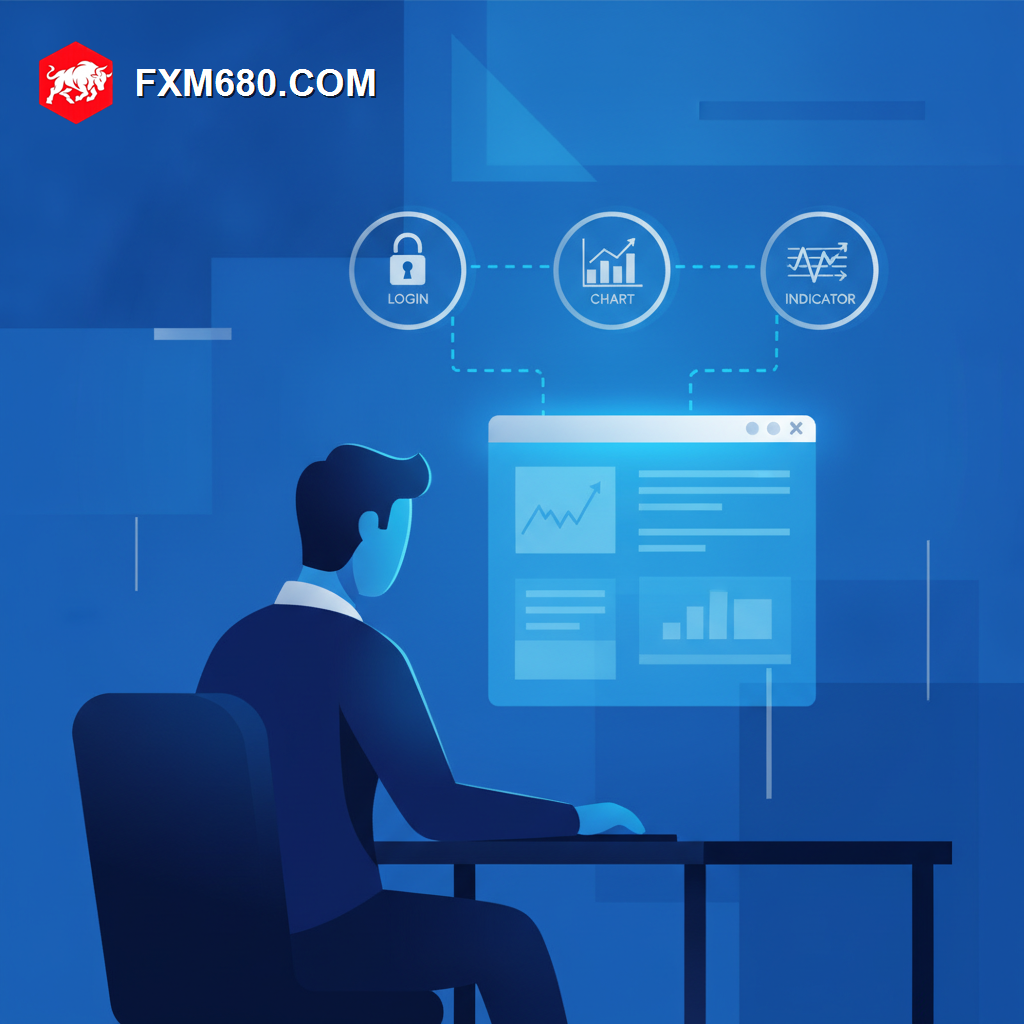
Table of Contents
Beginner Platform Setup Guide: An Overview
Setting up a trading platform begins with downloading and installing the software, or accessing its web version, followed by logging in with account credentials from the broker.
From there, connecting to a demo account first allows safe exploration of the interface before any live trading takes place.
Basic chart preferences, timeframe, chart type, and a few core indicators, round out a functional initial setup ready for practice.
Why A Clear Setup Process Matters
A confusing or incomplete initial setup can create unnecessary friction right when a new trader is already absorbing significant new information.
Starting with a clean, well-organized setup also builds good habits that carry forward as the platform is used more extensively over time.
Detailed Analysis of Core Setup Steps
Installation and Login
Whether installing a desktop application or using a web version, this first step connects the platform to the broker account using provided login credentials.
Demo Account Connection
Connecting to a demo account first, before any live account, allows safe interface exploration without financial risk during this early learning phase.
Basic Chart Configuration
Setting a preferred timeframe, chart type, and a small set of familiar indicators creates a functional workspace ready for initial practice.
| Setup Step | Purpose |
|---|---|
| Installation and Login | Connects platform to broker account |
| Demo Connection | Enables risk-free initial exploration |
| Chart Configuration | Creates a functional practice workspace |
Step-by-Step Guide to Setting Up A Trading Platform
- Download and install the chosen platform, or access its web-based version.
- Log in using demo account credentials provided by the broker.
- Explore the Market Watch, chart window, and order panel to build initial familiarity.
- Set a preferred timeframe and chart type as a starting configuration.
- Apply one or two familiar indicators before beginning demo practice.
Common Pitfalls to Avoid
A common pitfall is skipping demo setup entirely and connecting directly to a live account before basic familiarity is established. Another is overcomplicating the initial chart setup with too many indicators before understanding what each one actually does.
Frequently Asked Questions
Should setup always start with a demo account? Yes, starting with demo access is widely recommended before any live account connection.
How many indicators should a beginner’s initial setup include? Just one or two familiar, well-understood indicators is generally sufficient at the start.
Can setup preferences be changed later? Yes, chart and platform settings can be freely adjusted at any time as comfort and needs evolve.
Continue Your Forex Learning Journey with FXM680
A clear, simple setup process removes unnecessary early friction. The next lesson in this Academy expands into broader trading workspace organization.
Disclaimer: The content provided on this page is for informational and educational purposes only. Trading financial markets involves significant risk. Consult with a certified financial advisor before making any investment decisions.
Keep Learning
Start With A Clean, Functional Setup
A clear setup routine removes early friction and confusion. Explore the full FXM680 Forex Academy to keep building your trading foundation.