
Desktop trading vs mobile trading is less a competition and more a question of which tool fits which task, since detailed analysis and quick monitoring naturally suit different environments. Most traders end up using both together, as this FXM680 guide explains.
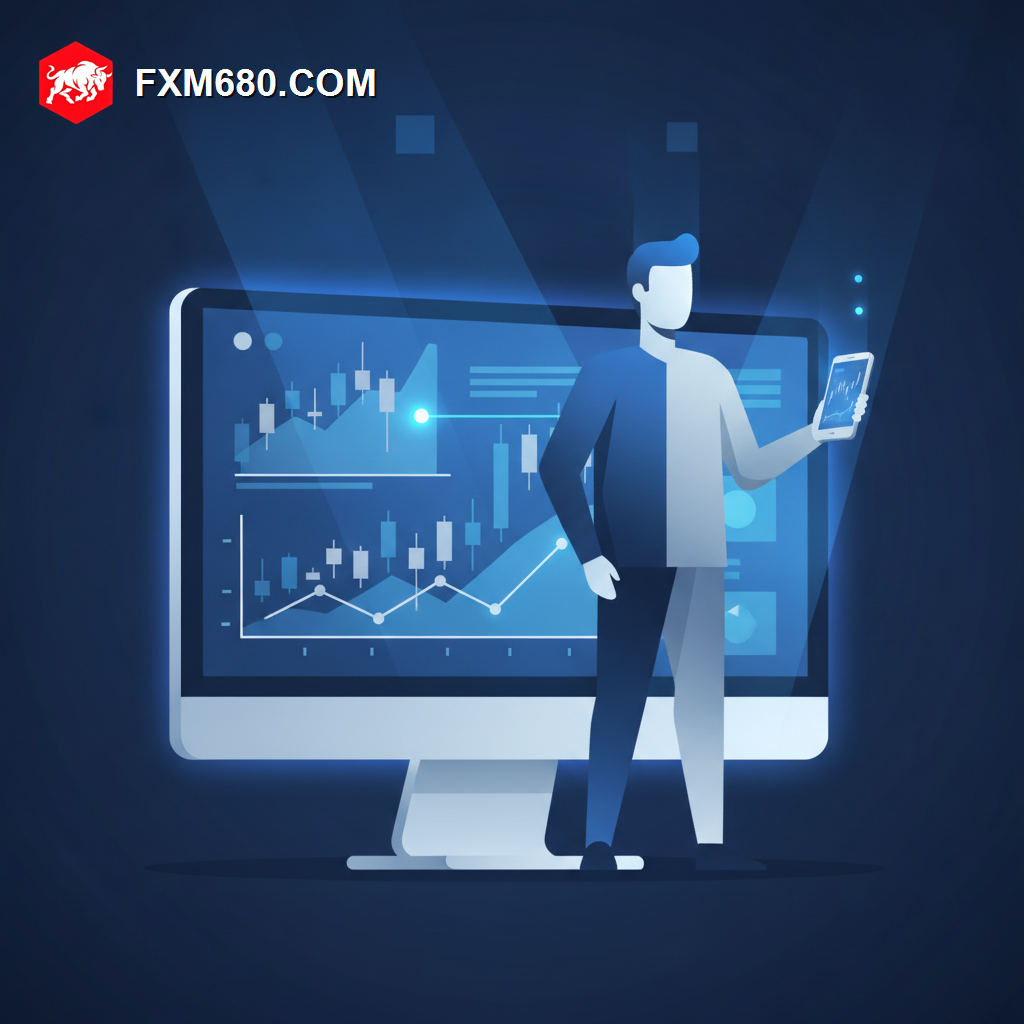
Table of Contents
Desktop vs Mobile Trading: An In-Depth Overview
Desktop trading platforms offer larger screens, more detailed charting, and typically a fuller feature set, making them well suited to in-depth technical analysis and strategy development.
Mobile trading apps trade some of that depth for convenience and accessibility, allowing quick monitoring and basic order management from virtually anywhere.
Rather than choosing exclusively one or the other, many traders use desktop for planning and analysis, and mobile for monitoring and reacting on the go.
Why This Comparison Matters for Traders
Understanding each environment’s strengths helps traders avoid frustration, such as attempting detailed multi-timeframe analysis on a small mobile screen.
This understanding also supports a more realistic daily workflow, matching the right device to the right task rather than forcing one tool to do everything.
Detailed Analysis of Desktop and Mobile Strengths
Desktop Strengths
Larger screens support multiple open charts, detailed indicator layering, and more comfortable extended analysis sessions than mobile screens typically allow.
Mobile Strengths
Mobile apps excel at quick position checks, push notifications, and the ability to react to significant news or price moves while away from a desktop.
Combined Workflow
Using desktop for planning trades and mobile for monitoring them afterward reflects how many traders naturally split their usage across both environments.
| Environment | Best Suited For |
|---|---|
| Desktop | Detailed analysis and strategy planning |
| Mobile | Quick monitoring and on-the-go reactions |
Step-by-Step Guide to Combining Both Effectively
- Use desktop for planning trades, including full multi-timeframe technical analysis.
- Set entry, stop loss, and take profit levels before leaving the desktop session.
- Enable mobile push notifications for order execution and significant price alerts.
- Use mobile primarily to monitor and make minor adjustments rather than plan new trades.
- Return to desktop for any decision requiring deeper analysis before acting.
Common Pitfalls to Avoid
A common pitfall is making significant trading decisions on mobile without the fuller context a desktop chart would provide. Another is underusing mobile notifications entirely, missing timely awareness of important account or market events.
Frequently Asked Questions
Can a full trading strategy be executed on mobile alone? It is possible for simpler strategies, though most traders find desktop better suited to detailed planning.
Do mobile and desktop platforms sync automatically? Yes, since both connect to the same broker account, positions and orders sync in real time across devices.
Is one environment inherently safer than the other? Not inherently, though device-level security practices matter on both, especially for mobile devices.
Continue Your Forex Learning Journey with FXM680
Combining desktop and mobile trading effectively suits most modern trading workflows. The next lesson in this Academy explores web-based trading platforms specifically.
Disclaimer: The content provided on this page is for informational and educational purposes only. Trading financial markets involves significant risk. Consult with a certified financial advisor before making any investment decisions.
Keep Learning
Match The Tool To The Task
Desktop and mobile each play a distinct role in a trading routine. Explore the full FXM680 Forex Academy to explore web trading platforms next.